GOPAL XEROX
Open 09:00–21:00
·
Printer online
How this works 4 steps, about a minute
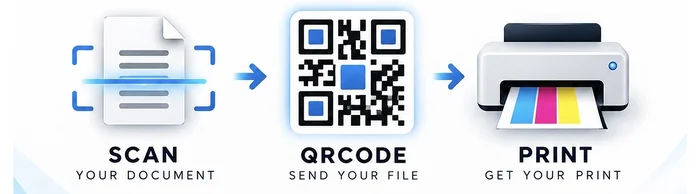
- Choose your files PDFs, Word, photos — up to 10 at once, one payment for all of them.
- Say how they print Colour, sides, copies, pages. The total updates as you choose.
- Pay GOPAL XEROX UPI, card or netbanking. Printing starts straight away.
- Collect at the counter It prints here in the shop. A status page tells you when it is done.
Your files
Total
₹0
You pay GOPAL XEROX directly.
A sheet holds two pages. If a document has an odd number of pages, the last one prints single-sided and is charged at the single-sided rate.
Pay ₹
to
UPI ID
Amount
₹
Scan this from another phone.
Open any UPI app, pay the UPI ID above, then tap “I have paid”. Your order starts printing once the shop confirms the payment.